


Recreating Wiz's Security Graph with PuppyGraph


.jpg)
Modern cybersecurity relies heavily on analyzing and visualizing complex relationships among entities such as users, devices, applications, and threats. Wiz’s Security Graph has emerged as an innovative solution to this challenge, offering a streamlined way to map and assess security risks within cloud environments. By using graph database technology, Wiz’s Security Graph provides an unparalleled view into interconnected cloud resources, vulnerabilities, and risks.
But what if you could recreate this powerful tool using PuppyGraph, a versatile and high-performance graph database alternative? PuppyGraph's unique architecture eliminates the need for complex ETL processes. It offers petabyte-scale scalability and sub-second query performance, making it ideal for enhancing your cybersecurity posture with real-time graph analysis. This blog post will take you through a step-by-step guide to rebuilding a Wiz-like security graph using PuppyGraph, while also diving into the core components and key features of Wiz’s approach.
What is Wiz’s security graph?
Wiz’s Security Graph is an advanced model designed to provide detailed visibility and actionable insights into cloud environments. It underpins Wiz’s cloud security platform, enabling businesses to detect, prioritize, and address security risks with precision.
Central to its design is a graph database that mirrors the structure of cloud ecosystems, mapping entities like virtual machines, APIs, containers, and databases, while also analyzing the intricate web of relationships between these entities. This dynamic representation allows organizations to gain a unified view of their cloud infrastructure and assess potential vulnerabilities effectively.
The Security Graph excels by integrating key functionalities such as real-time monitoring, contextual risk evaluation, and attack path analysis. Through these capabilities, it empowers security teams to not only visualize their cloud security posture but also act on critical insights to fortify their defenses. Overall, Wiz’s Security Graph serves as the foundation for Wiz’s cloud security platform, enabling organizations to effectively identify, prioritize, and remediate security risks.

How does Wiz security graph work
In this blog written by Wiz’s CTO, Ami Luttwak, Wiz's Security Graph leverages the power of a graph database to revolutionize cloud security. Through Comprehensive Data Collection and Advanced Analysis Capabilities, Wiz constructs a contextualized and dynamic model of your cloud environment, uncovering hidden risks and enabling effective prioritization and remediation.
Comprehensive Data Collection
The foundation of Wiz’s Security Graph is a thorough data collection process that captures a wide range of information and organizes it within a graph database to highlight connections and dependencies:
- API Scanning: Wiz collects configuration data from cloud provider APIs, building a comprehensive inventory of cloud services and linking them within the graph.
- Workload Scanning: Metadata from operating systems, applications, and containers is added to the graph to reveal potential vulnerabilities and software dependencies.
- Data Scanning: By scanning cloud storage for sensitive data and exposure risks, Wiz incorporates this information into the graph, identifying relationships that could lead to data breaches.
- IAM Scanning: Wiz maps access control configurations to identify excessive permissions and privilege escalation paths, integrating them into the graph to uncover potential attack vectors.
This interconnected dataset allows the graph database to represent complex relationships, enabling deeper insights into the security posture.
Advanced Analysis Capabilities
Once the data is collected, Wiz utilizes the graph database for advanced analysis, revealing critical insights that would be difficult to detect otherwise:
- Visualize Interconnections: The graph structure highlights how resources interact, making it easier to identify attack paths and potential risks.
- Uncover Hidden Risks: By analyzing relationships in the graph, Wiz detects toxic combinations—seemingly minor issues that become critical when combined.
- Prioritize Risks: The graph database allows Wiz to evaluate the likelihood and impact of threats, enabling security teams to focus on the most pressing issues.
- Perform Root Cause Analysis: The graph traces attack paths and identifies exploited vulnerabilities, helping security teams understand and remediate incidents effectively.
By combining these diverse data sources and advanced analysis techniques, the Wiz Security Graph simplifies complex cloud environments while providing comprehensive security visibility and control.
Key features of Wiz’s security graph
Wiz’s Security Graph delivers a suite of key features that empower organizations to proactively secure their cloud environments. These features are designed to leverage the comprehensive data collection and advanced analysis capabilities of the Security Graph, turning insights into actionable security measures.
Core Capabilities
- Agentless Scanning
Wiz’s agentless architecture connects directly via APIs, scanning cloud environments without deploying software agents. This approach ensures complete visibility across diverse resources, including PaaS platforms, virtual machines, containers, and serverless functions, simplifying deployment and maintenance. - Attack Path Analysis
The Security Graph maps interconnected risks to uncover potential attack paths. By analyzing how vulnerabilities are linked, it helps organizations identify ways attackers could move laterally within their cloud infrastructure, enabling proactive defenses against complex threats.
Risk Assessment
- Contextual Risk Prioritization
Wiz’s system evaluates vulnerabilities in context, factoring in security impact, business relevance, network exposure, and data sensitivity. This prioritization ensures teams focus on addressing the most critical risks first. - Toxic Combinations Detection
By detecting dangerous combinations of vulnerabilities—such as exposed instances with critical flaws linked to sensitive data—the Security Graph highlights scenarios that pose severe risks, enabling precise and timely mitigation.
Incident Response
- Root Cause Analysis
During incidents, the Security Graph automates root cause identification, tracing breaches back to their sources. This feature accelerates incident response by pinpointing compromised resources and breach origins. - Blast Radius Assessment
Wiz evaluates the potential impact of security breaches by mapping resource dependencies and attack vectors. This blast radius assessment allows organizations to gauge the scope of incidents and implement targeted containment measures.
Visualization and Analysis
- Relationship Mapping
One of Wiz’s most powerful features is its ability to visualize the complex relationships between cloud resources. By illustrating how components interact, it enables users to easily identify misconfigurations, vulnerabilities, and cascading risks. - Query Capabilities
Wiz provides robust querying tools that allow users to explore security relationships and configurations across the cloud stack from a centralized console. These queries empower security teams to drill down into specific issues and identify trends with ease.
By combining these features, Wiz’s Security Graph delivers an unparalleled level of clarity, helping organizations protect their cloud environments against evolving threats while improving operational efficiency.
Guide to build a security graph with PuppyGraph
We've explored how Wiz's security graph provides powerful capabilities for cloud security posture management through its interconnected view of cloud assets and security findings. While Wiz offers an excellent solution, you can also build similar security graph capabilities directly on your existing relational data using PuppyGraph.
PuppyGraph is the first and only graph query engine that queries relational data as a graph, eliminating the need for complex ETL processes or data duplication. It allows you to create graph views and run graph queries while keeping your data in its original relational format. This approach combines the familiarity and reliability of relational databases with the analytical power of graph databases.
Building a Wiz-like security graph with PuppyGraph is straightforward and involves two main steps: deploying PuppyGraph and connecting it to your data sources. The process doesn't require migrating your data or maintaining separate databases - instead, PuppyGraph creates a virtual graph layer over your existing infrastructure.
Let's walk through a practical demonstration of building a security graph with PuppyGraph, showing how you can achieve similar capabilities to Wiz's security graph while maintaining the simplicity and efficiency of your current data architecture. We have prepared all materials for the demo in this GitHub repo.
Deploying PuppyGraph
PuppyGraph can be deployed via Docker or an AWS AMI through AWS Marketplace. Below, we will focus on what it takes to launch a PuppyGraph instance on Docker.
Once you have Docker and docker-compose installed, navigate to the directory of the demo in your terminal. Then, simply run the following command to launch the container and other services.
docker compose up -d[+] Running 6/6
✔ Network puppy-iceberg Created
✔ Container minio Started
✔ Container mc Started
✔ Container iceberg-rest Started
✔ Container spark-iceberg Started
✔ Container puppygraph StartedThe Docker Compose file docker-compose.yaml sets up a multi-service environment for working with Apache Iceberg, MinIO, and PuppyGraph:
- spark-iceberg: a Spark instance configured to work with Apache Iceberg.
- rest: an Iceberg REST server, which provides a RESTful API for managing Iceberg tables.
- minio: a Minio server, which is an S3-compatible object storage server.
- mc: a MinIO client that sets up storage buckets and policies for Iceberg.
- puppygraph: a graph analytics engine to provide graph database service directly on relational data.
Now open your browser and go to localhost:8081 (or your instance's URL) to access the PuppyGraph login screen.

Log in using the default credentials (username: puppygraph, password: puppygraph123) then you will see the schema page.

Data preparation
Let’s prepare our data. First convert our csv data into Parquet format via the python script.
python3 CsvToParquet.py ./csv_data ./parquet_dataThen start the Spark-SQL shell to access Iceberg.
docker exec -it spark-iceberg spark-sqlThe shell prompt will appear as:
spark-sql ()>Execute the SQL commands in the demo to create tables and import data.
Connecting to the data
It's time to model our graph from the relational data. PuppyGraph makes this easy with a step-by-step modeling tool. You can interactively add vertices and edges to your schema. Alternatively, you can create a schema JSON file and upload it directly. Select the file schema.json in the Upload Graph Schema JSON section and click on Upload. You can also upload the schema file in shell via the command below.
curl -XPOST -H "content-type: application/json" --data-binary @./schema.json --user "puppygraph:puppygraph123" localhost:8081/schemaAfter submitting the schema, you will see the schema graph.

Querying the graph
PuppyGraph supports Gremlin and openCypher. Navigate to the Query panel on the left side. The Gremlin Query tab offers an interactive environment for querying the graph using Gremlin. After each query, remember to clear the graph panel before executing the next query to maintain a clean visualization. You can do this by clicking the Clear button located in the top-right corner of the page.

Example queries:
1. Find network interfaces that are not protected by any security group, along with their associated virtual machine instances (if any), as these interfaces may pose security risks.
g.V().hasLabel('NetworkInterface').as('ni')
  .where(
    __.not(
      __.in('PROTECTS').hasLabel('SecurityGroup')
    )
  )
  .optional(
    __.out('ATTACHED_TO').hasLabel('VMInstance').as('vm')
  )
  .path()
2. Find all public IP addresses exposed to the internet, along with their associated virtual machine instances, security groups, subnets, VPCs, internet gateways, and users, displaying all these entities in the traversal path.
 g.V().hasLabel('PublicIP').as('ip')
  .in('HAS_PUBLIC_IP').as('ni')
  .in('PROTECTS').hasLabel('SecurityGroup').as('sg')
  .out('HAS_RULE').hasLabel('IngressRule').as('rule')
  .where(
    __.out('ALLOWS_TRAFFIC_FROM').hasLabel('InternetGateway')
  )
  .select('ni')
    .out('ATTACHED_TO').hasLabel('VMInstance').as('vm')
  .select('ni')
    .in('HOSTS_INTERFACE').hasLabel('Subnet').as('subnet')
    .in('CONTAINS').hasLabel('VPC').as('vpc')
    .in('GATEWAY_TO').hasLabel('InternetGateway').as('igw')
    .in('ACCESS').hasLabel('User').as('user')
  .path()
3. Find roles that have been granted excessive access permissions, along with their associated virtual machine instances.
g.V().hasLabel('Role').as('role')
 .where(
   __.out('ALLOWS_ACCESS_TO').count().is(gt(4))
 )
 .out('ALLOWS_ACCESS_TO').hasLabel('Resource').as('resource')
 .select('role')
 .in('ASSIGNED_ROLE').hasLabel('VMInstance').as('vm')
 .path()
4. Find security groups that have ingress rules permitting traffic from any IP address (0.0.0.0/0) to sensitive ports (22 or 3389), and retrieve the associated ingress rules, network interfaces, and virtual machine instances in the traversal path.
g.V().hasLabel('SecurityGroup').as('sg')
  .out('HAS_RULE')
    .has('source', '0.0.0.0/0')
    .has('port_range', P.within('22', '3389'))
    .hasLabel('IngressRule').as('rule')
  .in('HAS_RULE').as('sg')
  .out('PROTECTS').hasLabel('NetworkInterface').as('ni')
  .out('ATTACHED_TO').hasLabel('VMInstance').as('vm')
  .path()
Cleanup and teardown
To stop and remove the containers, networks, and volumes, run:
docker compose down --volumes --remove-orphansPuppyGraph: Proven at Enterprise Scale
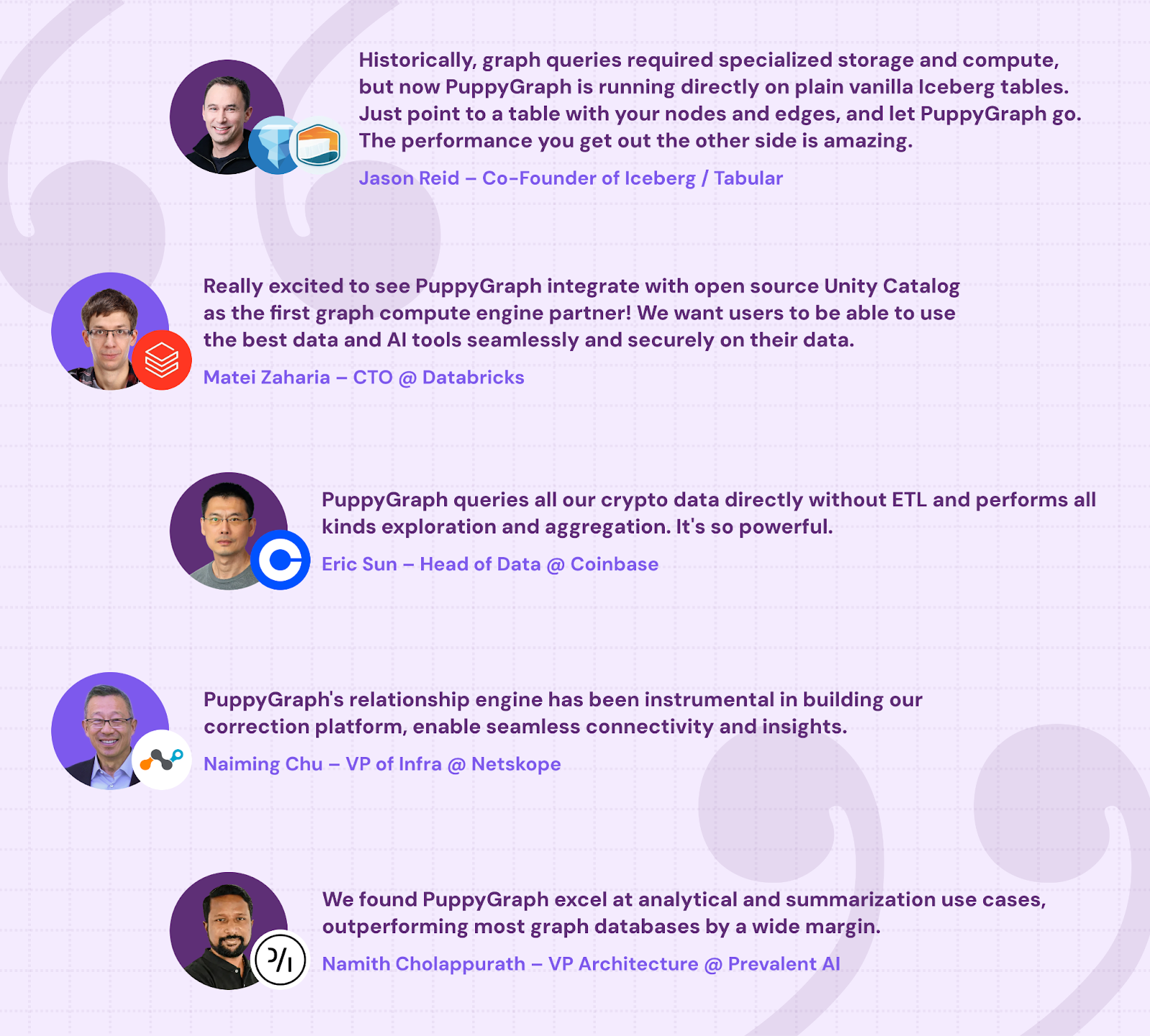
PuppyGraph is already used by half of the top 20 cybersecurity companies, as well as engineering-driven enterprises like AMD and Coinbase. Whether it’s multi-hop security reasoning, asset intelligence, or deep relationship queries across massive datasets, these teams trust PuppyGraph to replace slow ETL pipelines and complex graph stacks with a simpler, faster architecture.
Conclusion
Wiz's Security Graph demonstrates the power of graph-based analysis in cloud security, offering deep insights into relationships between assets and potential security risks. While Wiz provides an excellent managed solution, organizations can now build similar capabilities using PuppyGraph without the complexity of traditional graph implementations.
By operating directly on existing relational data and eliminating the need for ETL processes, PuppyGraph makes graph-based security analytics accessible. This approach allows organizations to leverage the analytical power of security graphs while maintaining their current data infrastructure, providing a practical path to enhanced security visibility and threat detection.
Interested in trying out PuppyGraph? Download the forever free PuppyGraph Developer Edition, or book a free demo with our graph experts.

Sa Wang is a Software Engineer with exceptional mathematical ability and strong coding skills. He holds a Bachelor's degree in Computer Science and a Master's degree in Philosophy from Fudan University, where he specialized in Mathematical Logic.

Get started with PuppyGraph!


Developer Edition
- Forever free
- Single noded
- Designed for proving your ideas
- Available via Docker install
Enterprise Edition
- 30-day free trial with full features
- Everything in developer edition & enterprise features
- Designed for production
- Available via AWS AMI & Docker install