



Blog

 Amazon S3 Tables
Partner
High-performance graph analytics directly on Apache Iceberg tables in S3. No migrations. Just fast, scalable insights on your existing data.
* No payment or form required
Trusted by




















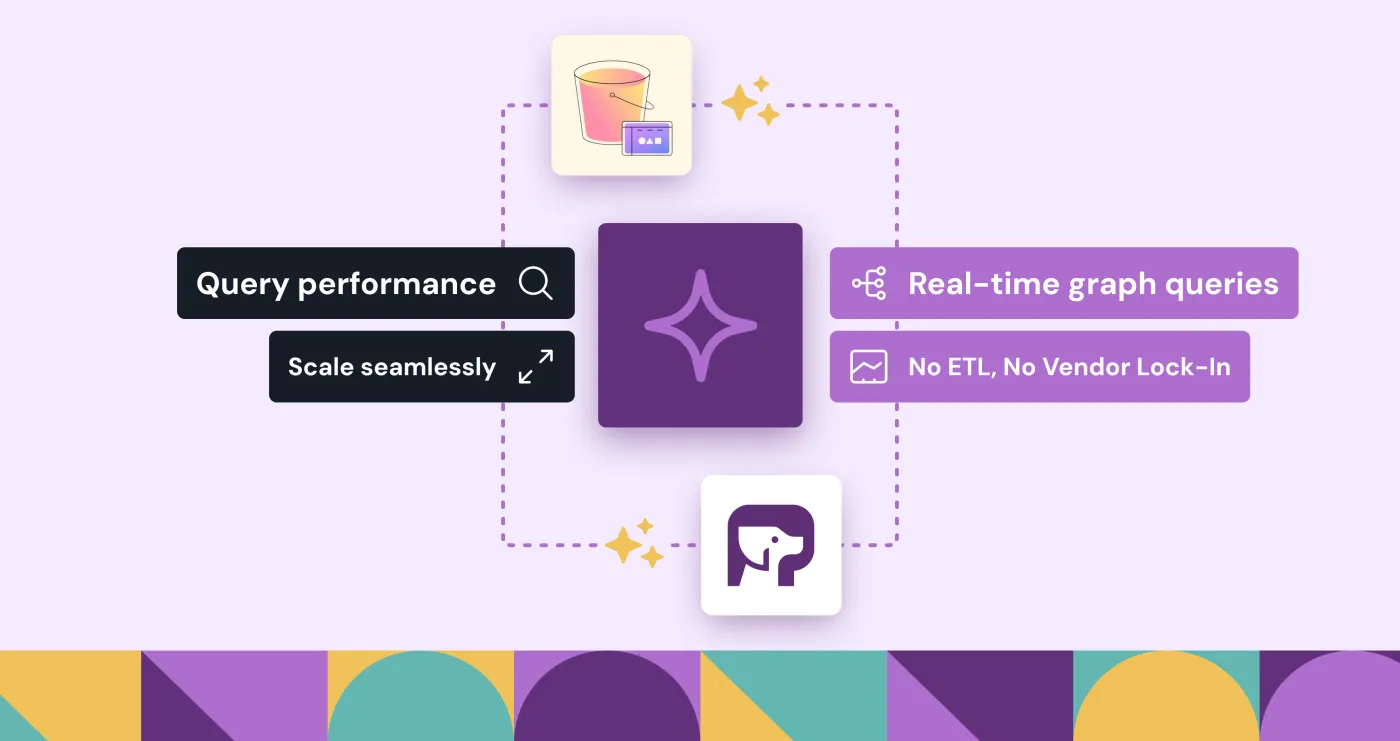
PuppyGraph reads S3 Tables through the AWS-hosted Iceberg REST catalog and answers graph queries against them where they sit. No migrations.


Amazon S3 Tables and PuppyGraph
Traditional SQL-based analytics can struggle with complex relationships in data. Graph analytics helps organizations:
Reveal hidden patterns and relationships
Trace identity and access patterns in real time
Feed graph-connected data into your models
With S3 Tables + PuppyGraph, you can run SQL and graph queries on the same data—no extra pipelines, no database syncing, just insights at scale.
Three steps. The container runs beside the bucket; the bucket keeps the data.
 S3 Tables via the Iceberg REST catalog
Store data in S3 Tables using Apache Iceberg
Connect PuppyGraph to query your data as a graph
Run real-time graph queries – without moving or transforming data
PuppyGraph reads S3 Tables through the AWS-hosted Iceberg REST catalog. See Connecting to Iceberg for the catalog reference.
See it in action
Discover how to effortlessly connect PuppyGraph to S3 tables in our step-by-step demo video.
Learn how to run graph queries on Apache Iceberg tables in S3 with our in-depth guide—designed for speed, scalability, and ease of use.
Blog
AWS Storage Blog
PuppyGraph experts
Our team of experts have led graph and infra projects at Google, LinkedIn, Instacart, and TigerGraph, all ready to assist you. Get up and running in just a week with our free, expert-driven setup service.

Co-Founder & CEO
Previously 


Co-Founder & CTO
Previously 



Co-Founder & Chief Architect
Previously 
Download PuppyGraph to get started for free, or book a demo to explore how graph queries can work with your data in S3 Tables.
$ docker run -p 8081:8081 \
  -p 8182:8182 -p 7687:7687 \
  puppygraph/puppygraph:latestPulling puppygraph/puppygraph:latestStarting PuppyGraphWeb console listening on 0.0.0.0:8081Gremlin endpoint listening on 0.0.0.0:8182PuppyGraph is running# no pipelines · no second database · no data movement